Tablet menu
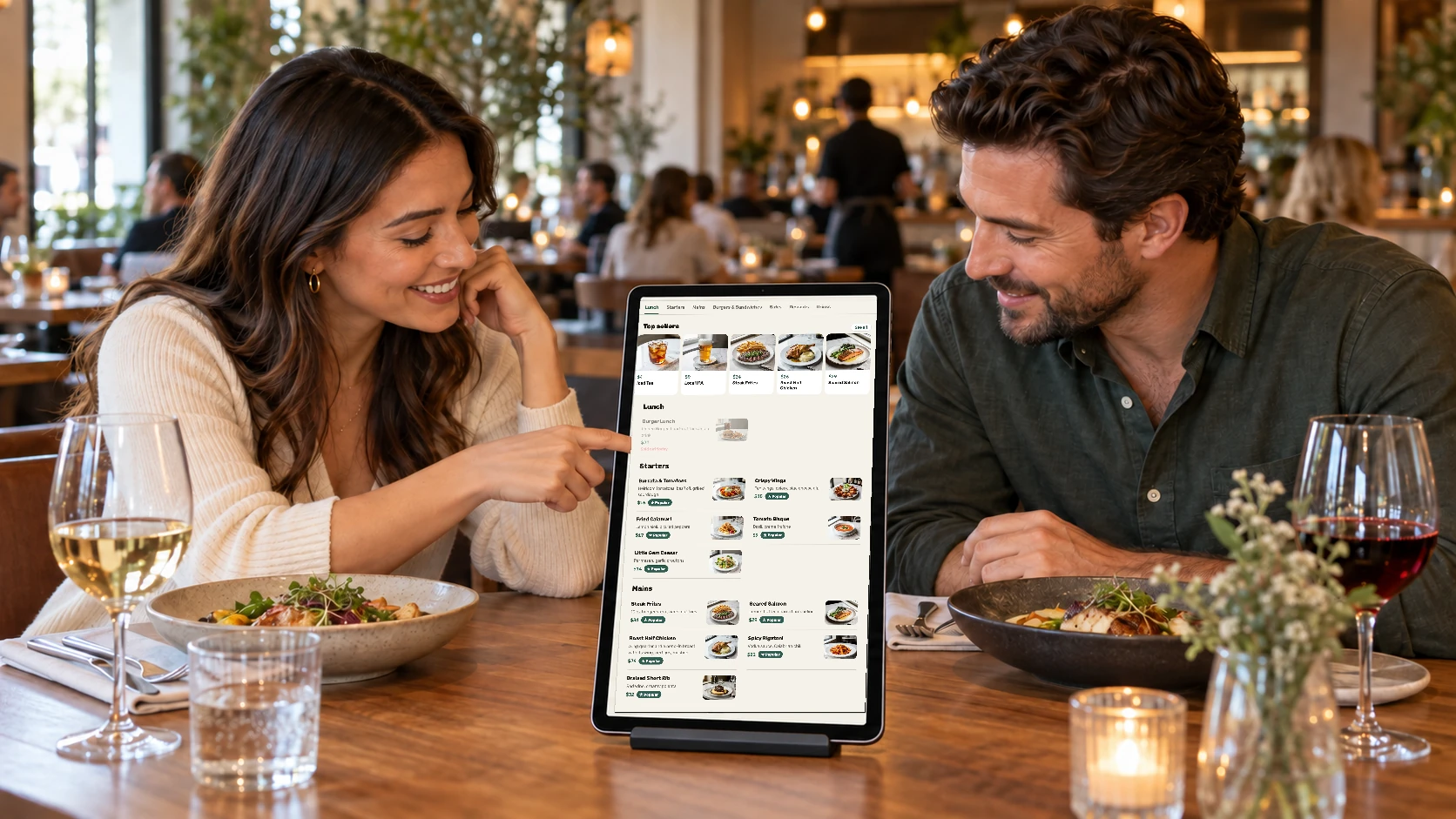
A menu on the tablet, from the register’s own menu.
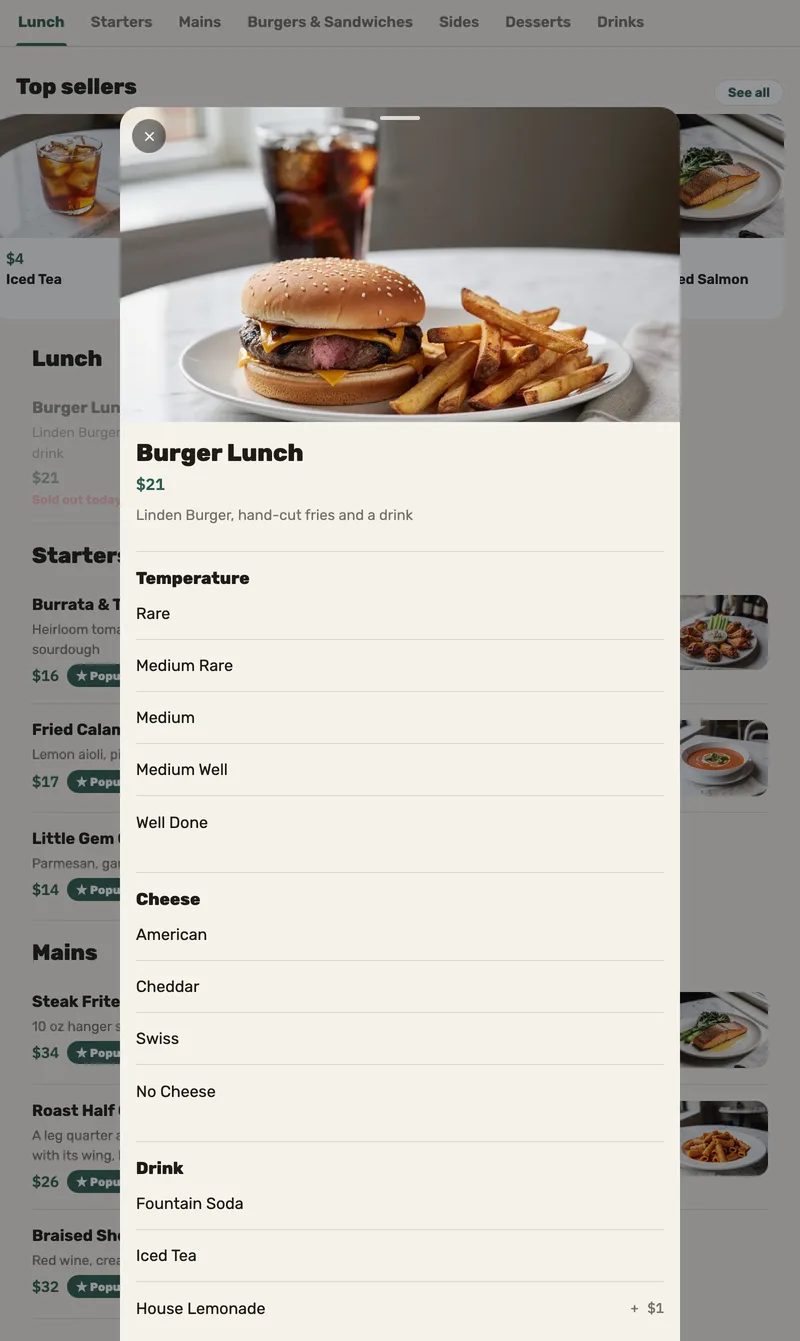
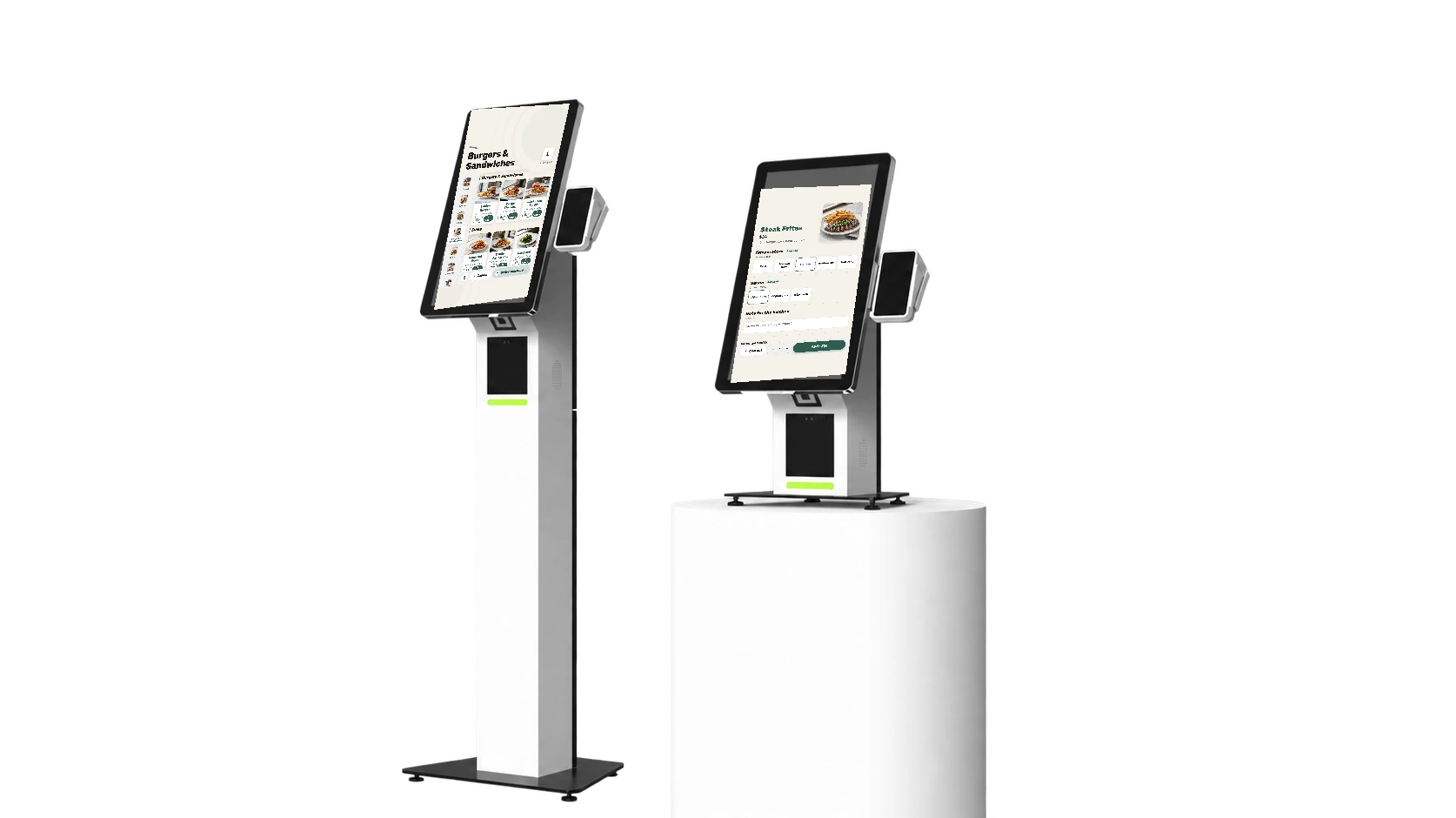
A browse-only tablet on the table: photos, choices and top sellers — locked to the menu, back to the top after three minutes, and still showing the last menu when the Wi-Fi drops.
-
One menu, not two
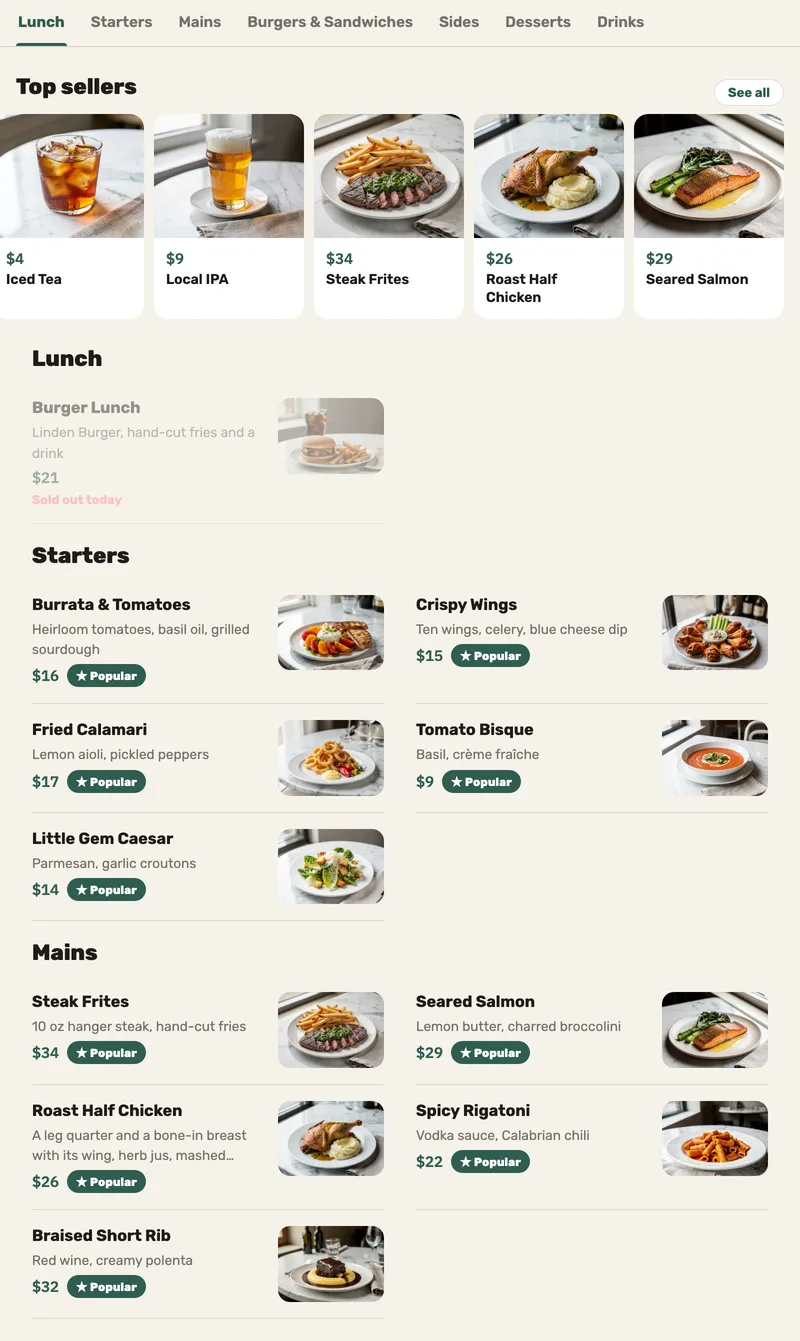
The tablet uses the same menu and prices as the register, so staff update the menu in one place.
-
When the Wi-Fi drops
Previously loaded menu details and photos stay available on the tablet. This is a menu for browsing; orders continue through your staff.
Questions we hear
Can guests order from the tablet?
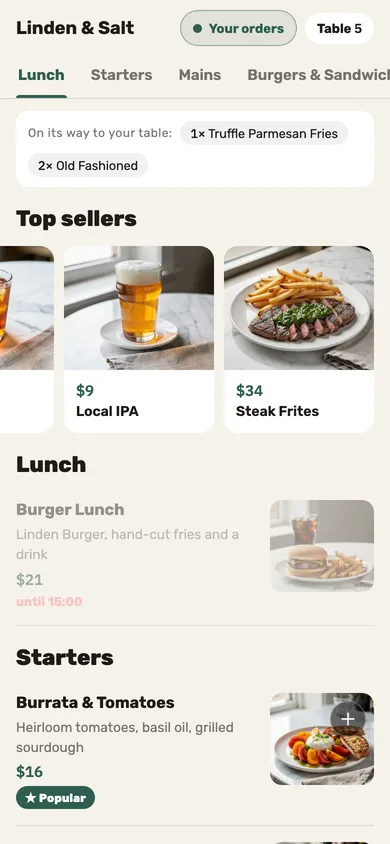
No. It’s a menu to browse; orders go through the server, or through the QR code on the table.
Can a guest leave the menu?
Not on a tablet set up from a factory reset: the menu is locked to the screen, with no home screen, recent apps or notifications. On any other tablet the menu is pinned to the screen, and a determined guest can unpin it.
And if it’s left open?
After three minutes without a touch it returns to the top of the menu.
See Jooule with your own menu.
Explore the register, server app and kitchen display with the dishes you serve.