Quick service
A fast counter, and a kitchen that knows what’s in line.
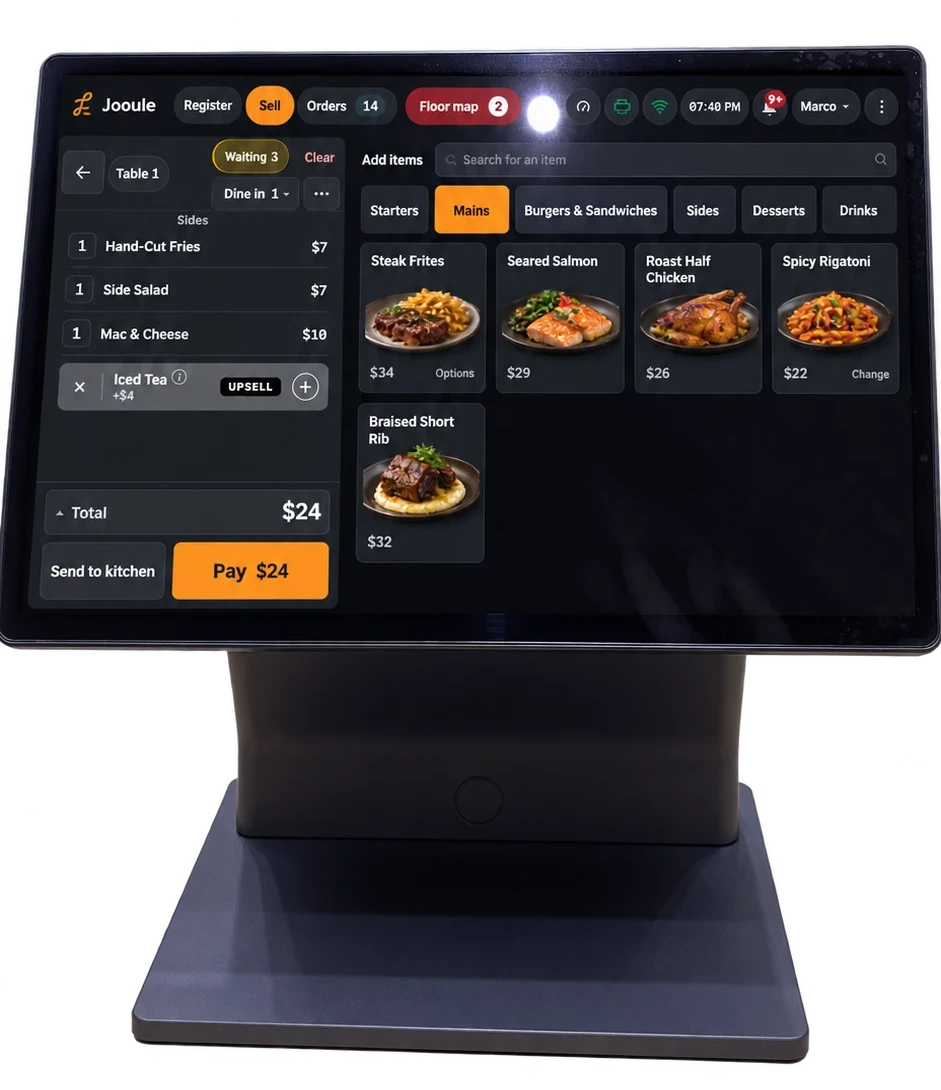
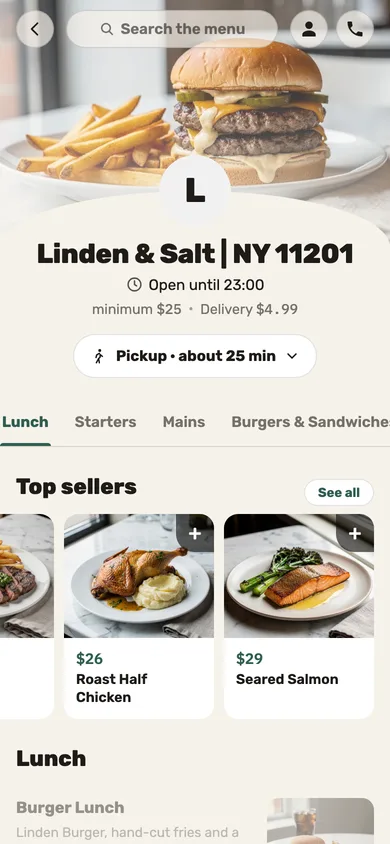
Set the order type at the start, bring web orders into the kitchen queue, and let guests place their own orders at the kiosk.
-
Pickup in one tap
“Pickup order” on the map starts a pickup in one tap, and nobody asks again at payment.
-
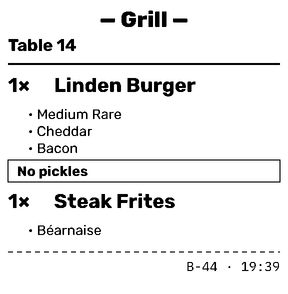
A bag for six — a label per meal
A bag for several people prints a label for each named meal, so the orders don’t get mixed up on the way.
-
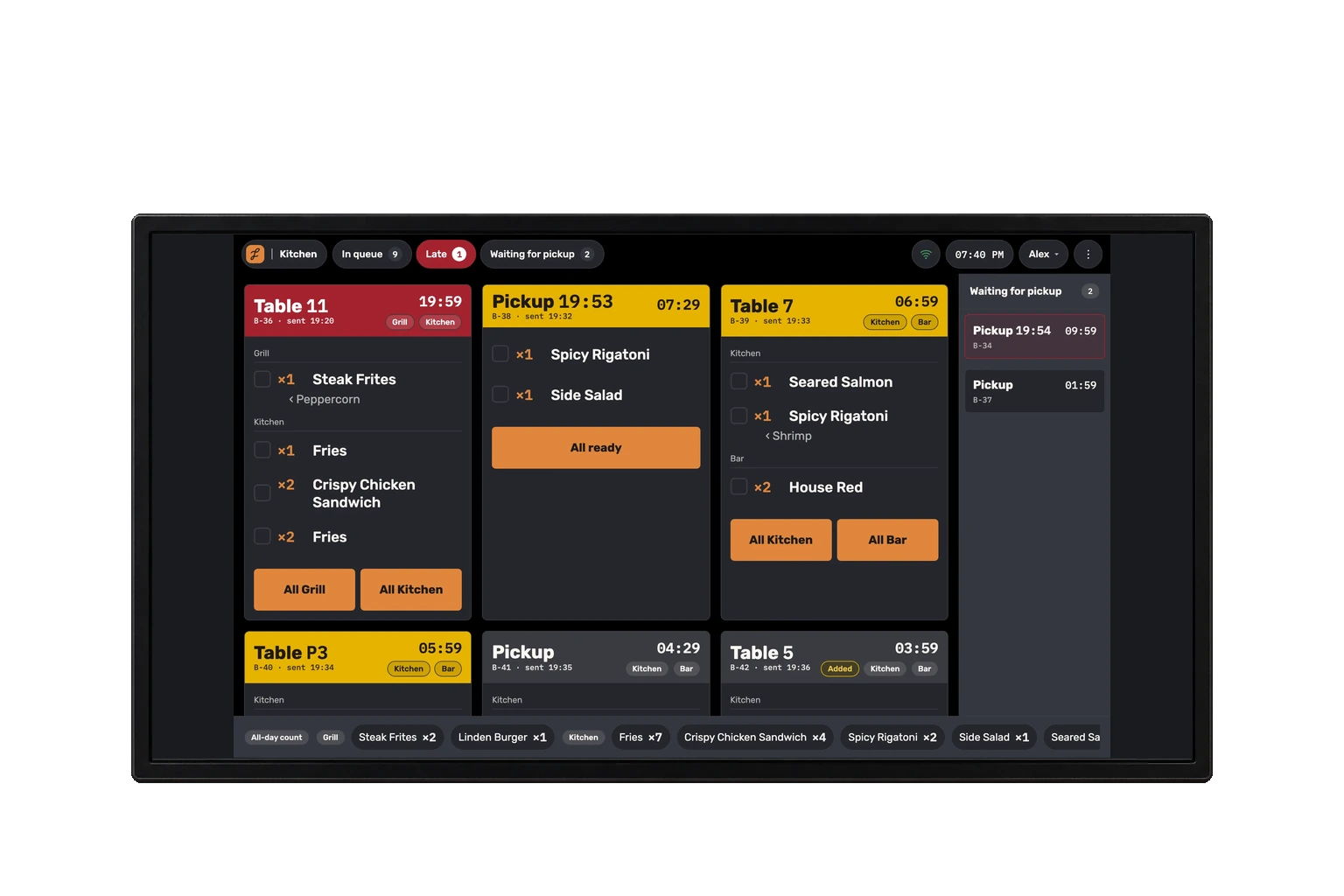
The wall screen shows what’s ready
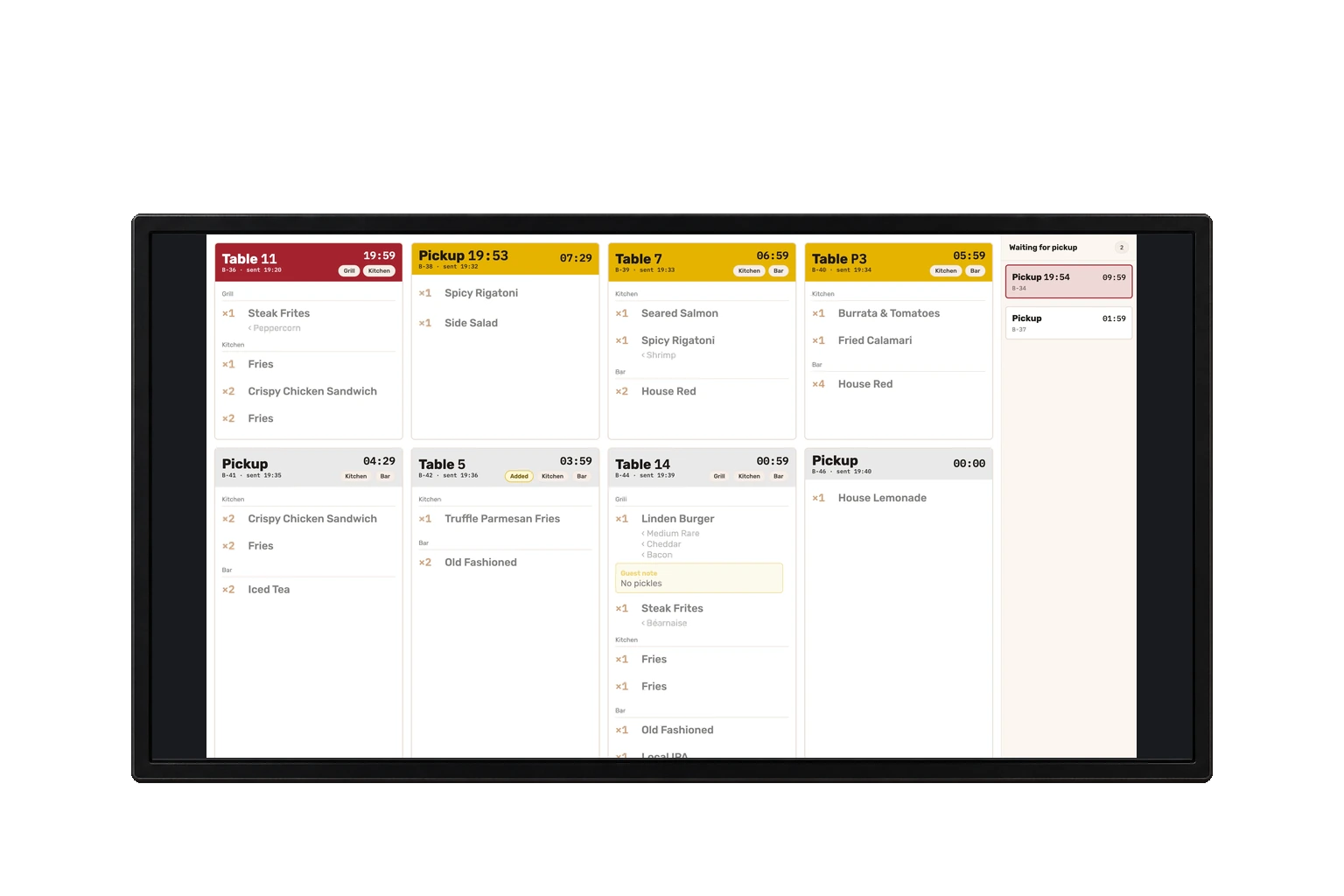
A TV on the wall shows the kitchen’s live queue and the codes of orders ready for pickup, with no names.
What does a quick-service restaurant need from a POS?
A clear counter workflow: set the order type when you start, send orders to a shared kitchen queue, and keep payment records with the order.
The register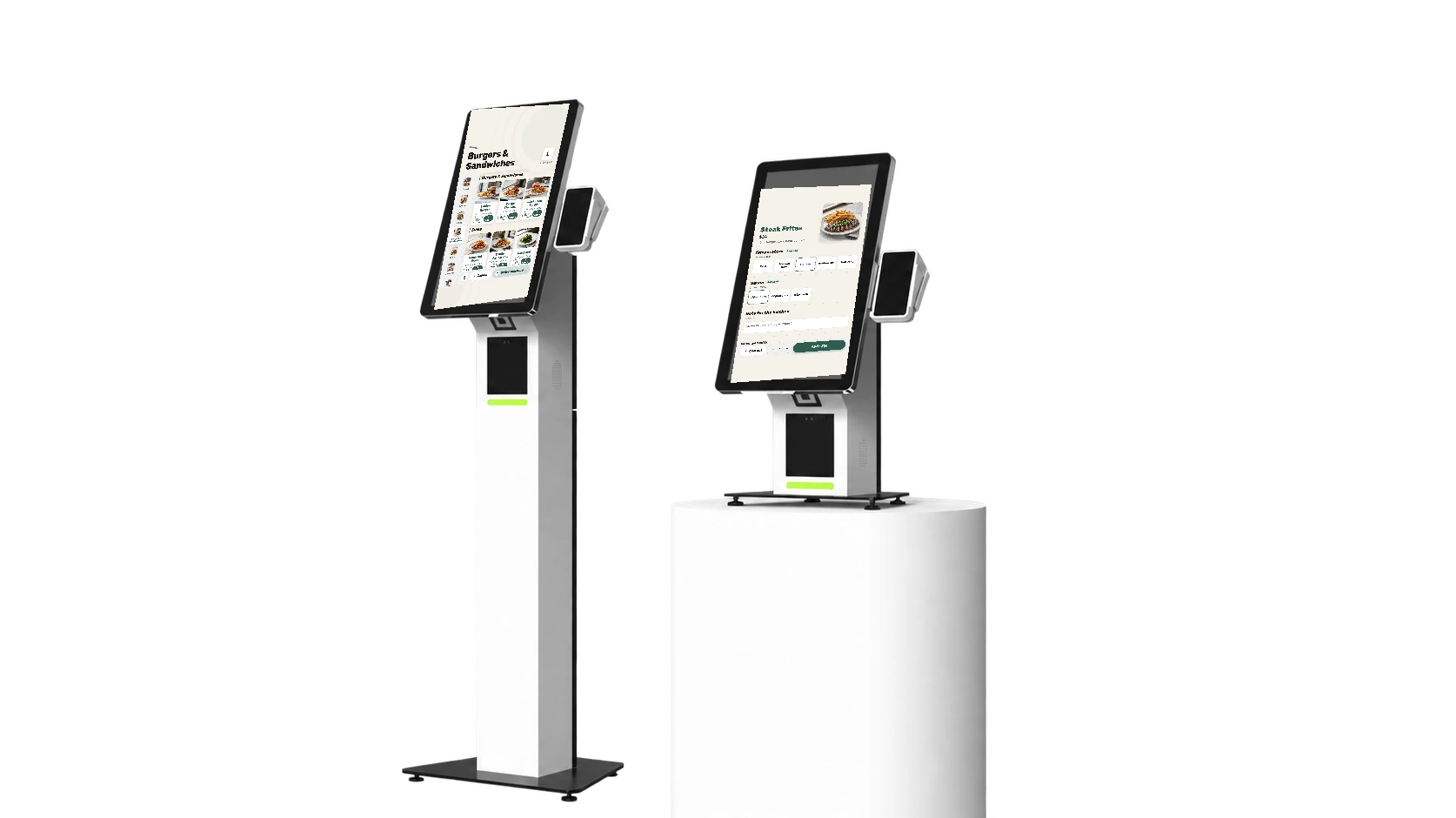
Questions we hear
Can we add a kiosk?
Yes. We source and configure the screen; payment happens at the counter.
Do web orders go straight to the kitchen?
After your team approves them at the register, with a ready time they can change.
Is there a screen with order numbers for guests?
A wall screen shows the kitchen’s live queue and the codes of orders ready for pickup, with no names.
Want to see it on your counter?
Leave your details and we’ll call to set up a demo.