Team
Keep track of hours, schedules and tips.
Punch in at a wall tablet or, if you allow it, on a phone; a weekly schedule with availability; and tips split by the rule you set. Jooule records hours; it doesn’t compute pay or wage law.
-
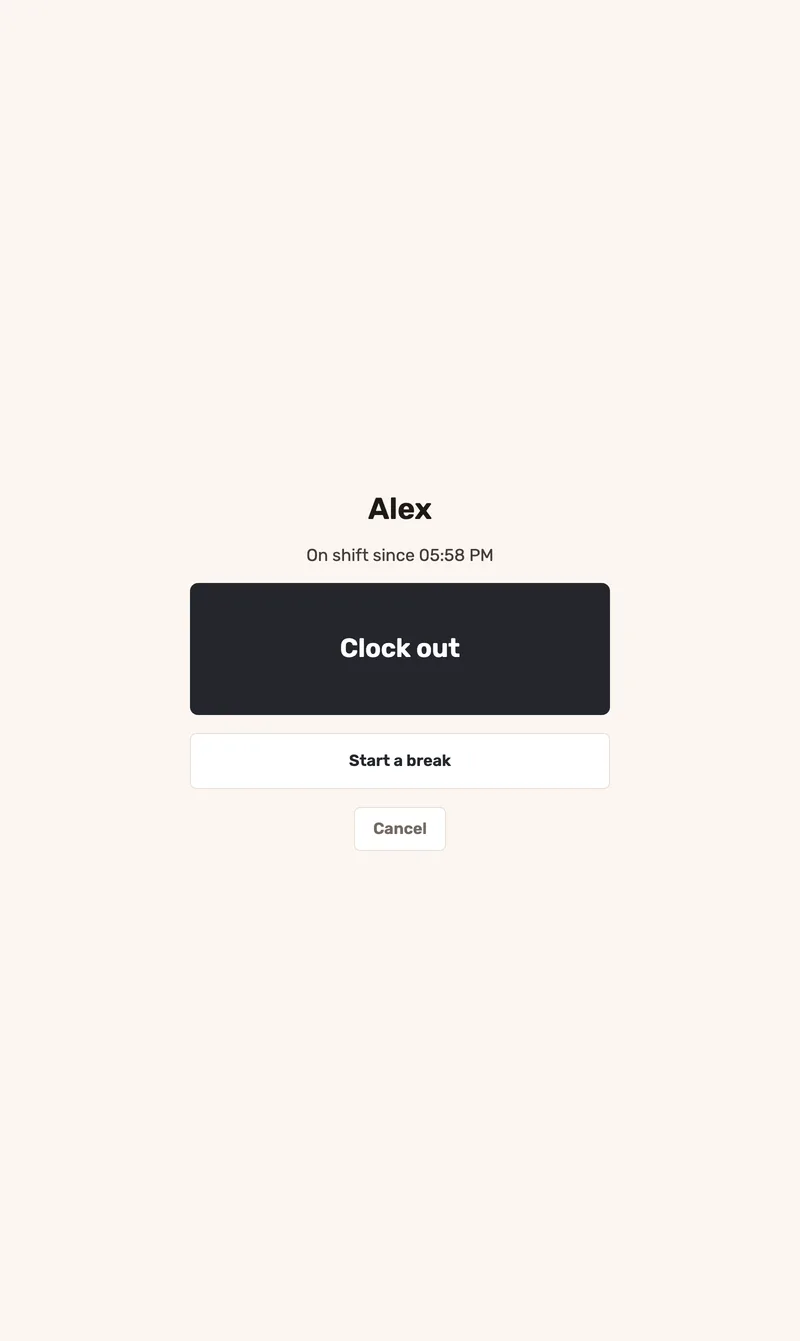
Clock-ins use a consistent time
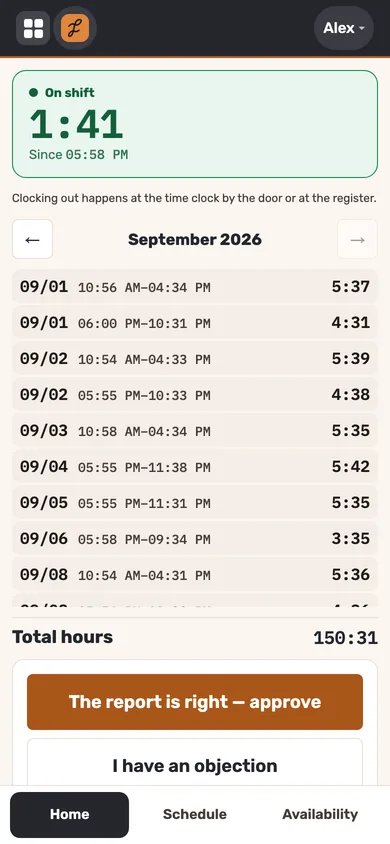
Staff enter a PIN and tap once to clock in, out or return from a break. Time comes from Jooule’s server, so device clocks do not affect the record. Staff can confirm their monthly hours or submit a correction request.
-
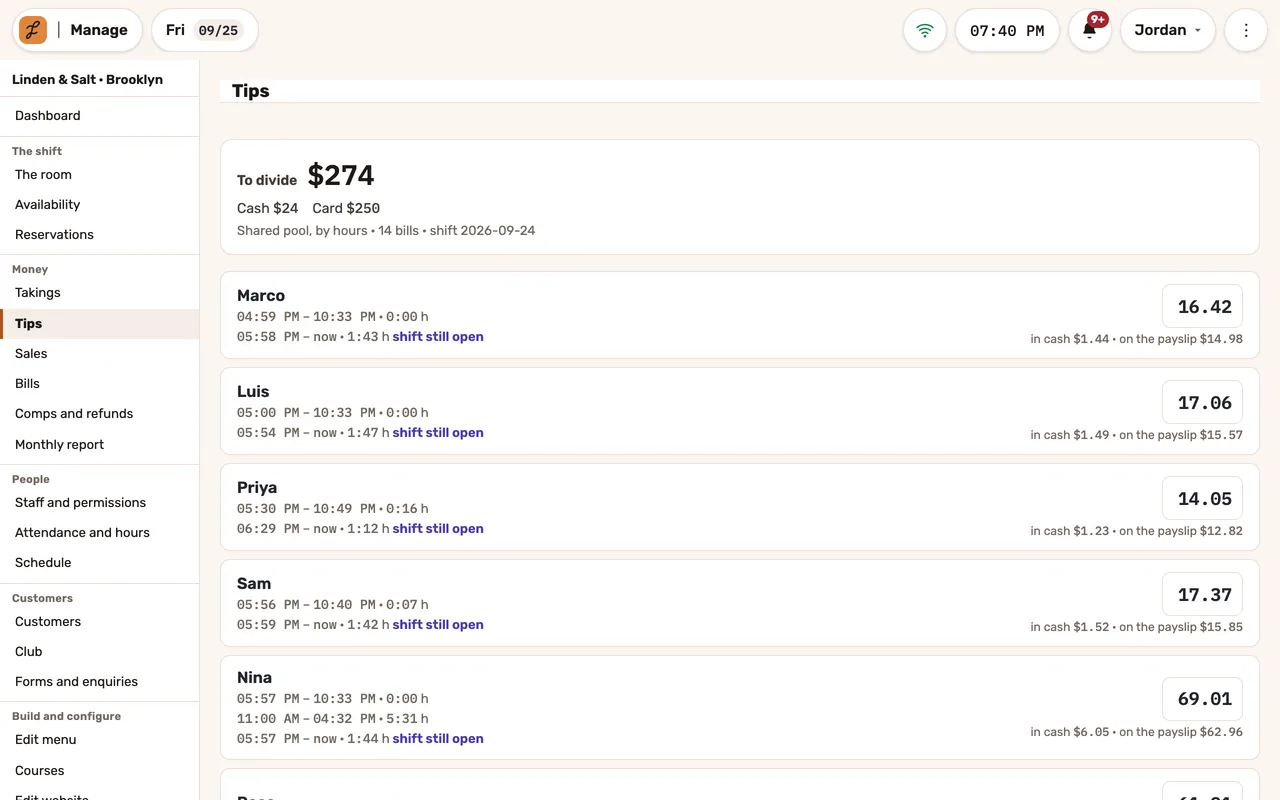
Tips by the rule you set
Choose a split by hours, equally or by tables. With table-based splits, tips go equally to the servers assigned to that table; unassigned tables contribute to the hourly pool. Each person’s share shows the cash and payroll portions.
-
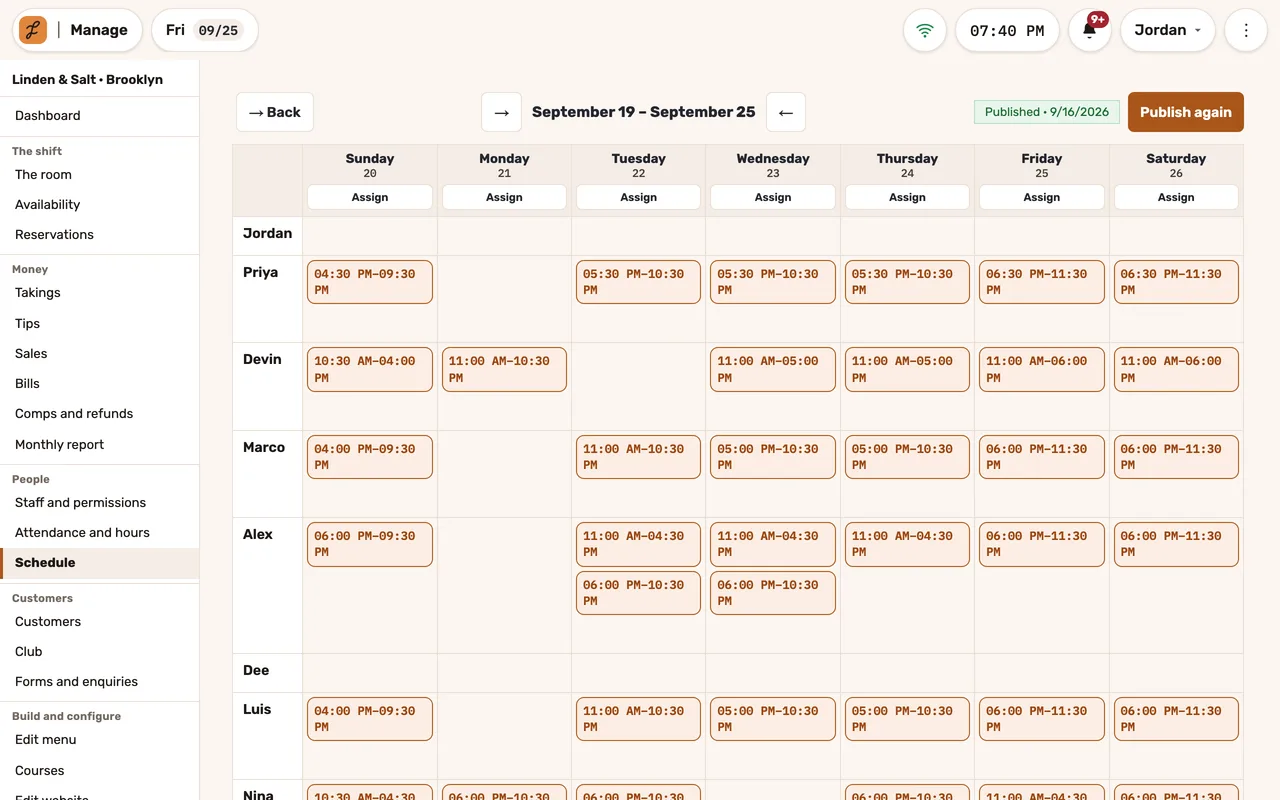
Schedules staff see when you publish them
Build the week by role, with staff availability visible as you plan. Staff see the schedule once you publish it.
Where staff punch and plan
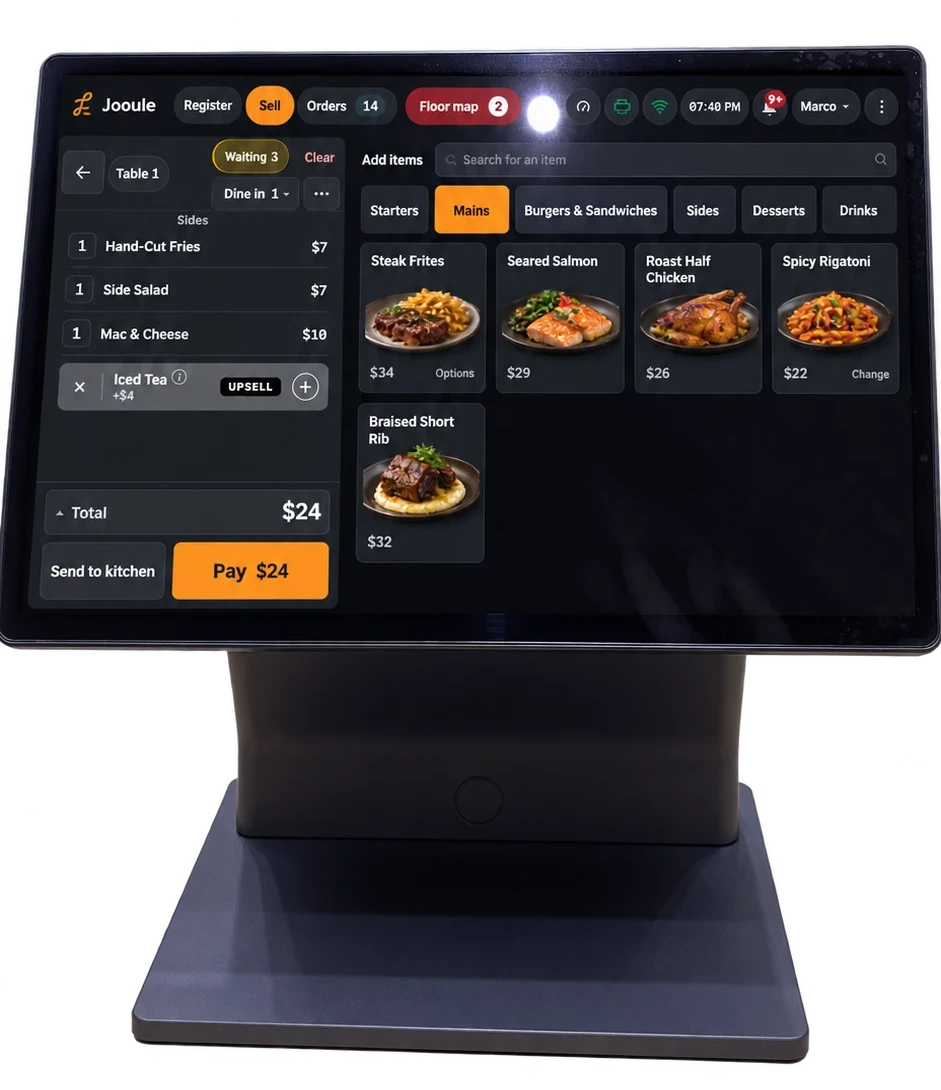
A tablet by the door: a PIN and one button. Seconds after the punch it’s back to the keypad, with nobody left signed in.
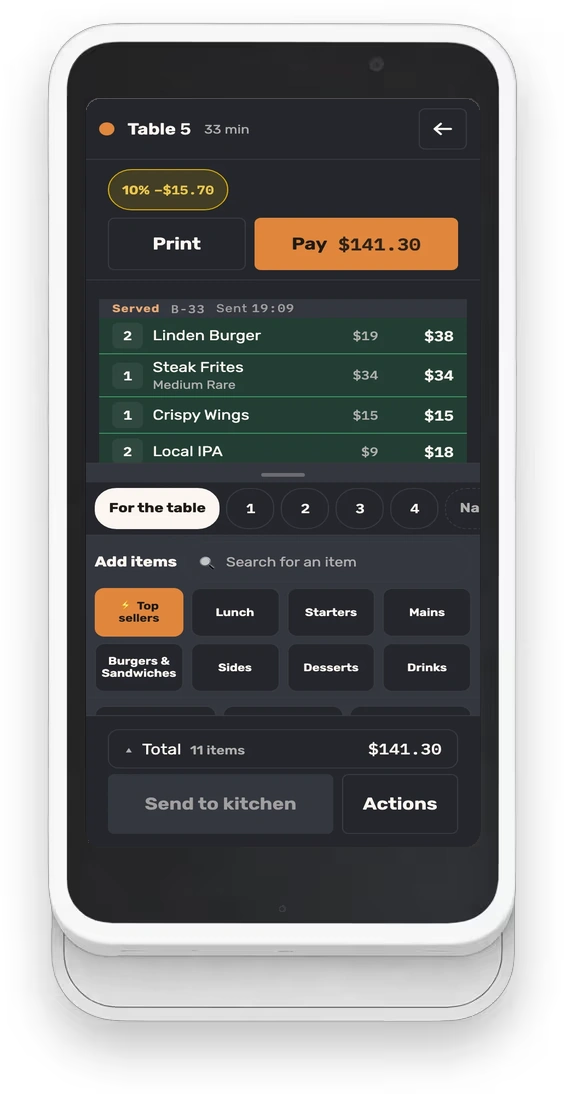
On each employee’s phone: their shifts, their availability by week and by date, and their month to confirm or dispute. And punching, if you allow it.
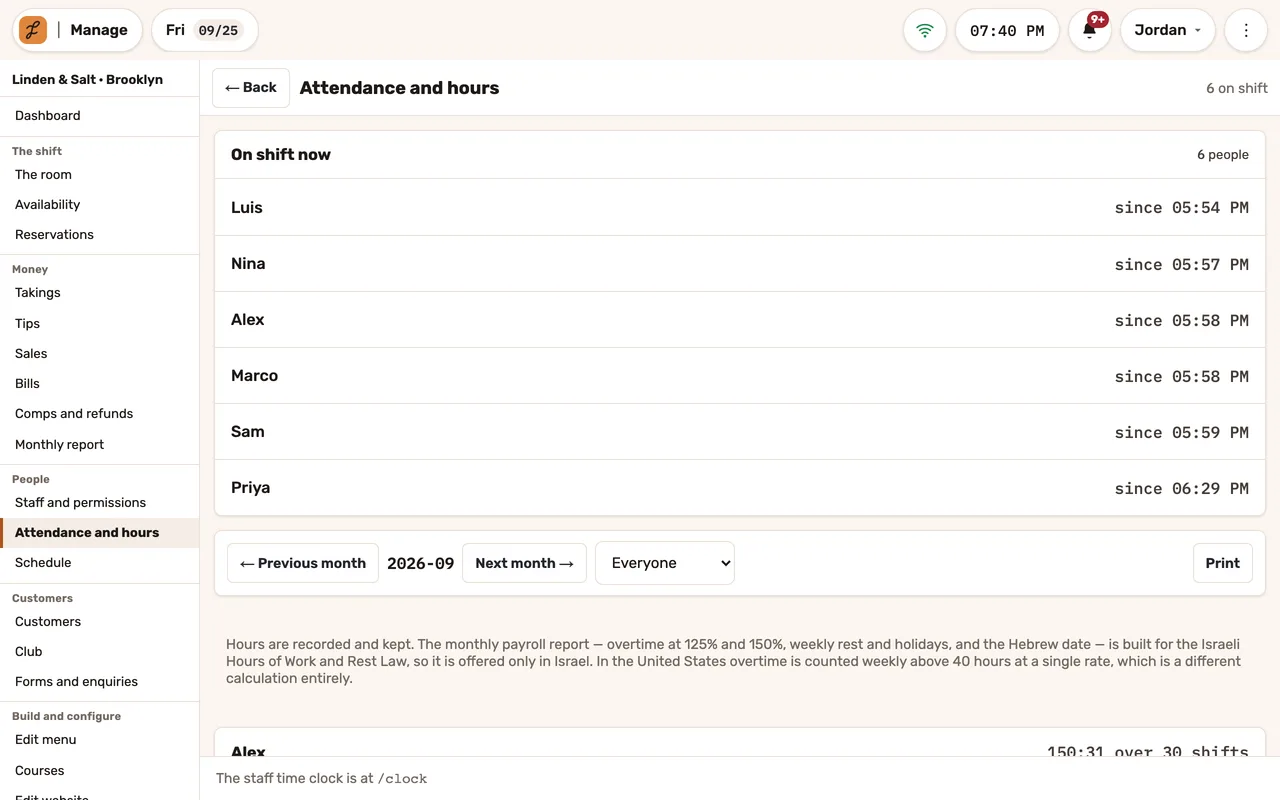
Who’s on shift right now, and each person’s hours and shifts, month by month.
Questions we hear
Does it run payroll?
No. Jooule records the hours each person works and shows them month by month; it doesn’t compute pay, overtime pay or wage law.
Can staff clock in from home?
Phone punches are off until you turn them on. Then you can require them to come from the restaurant’s own internet, or only record, beside each punch, whether it did. No GPS, no fingerprints.
Does someone who works lunch and dinner get two shares?
No. Each person gets one line and one share for all their shifts since the last split, and the split is filed under the night it closes.
See Jooule with your own menu.
Explore the register, server app and kitchen display with the dishes you serve.