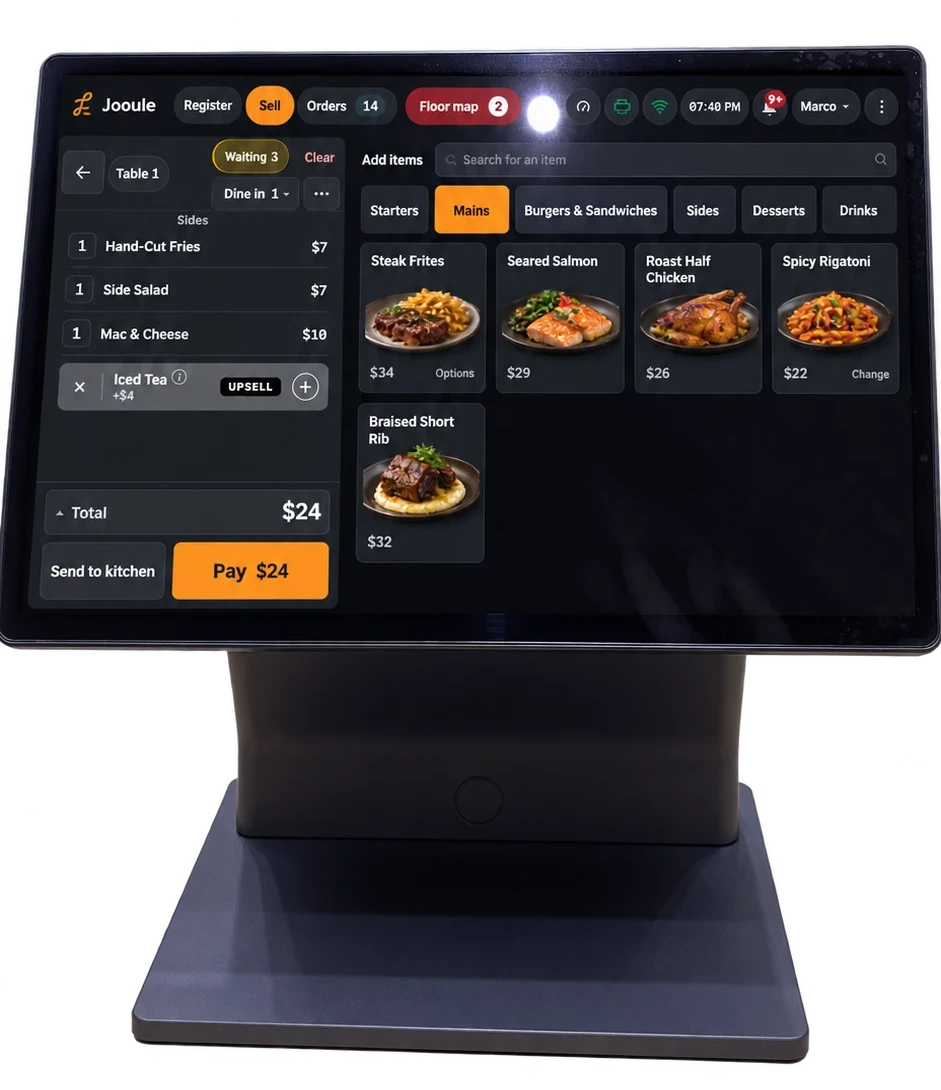
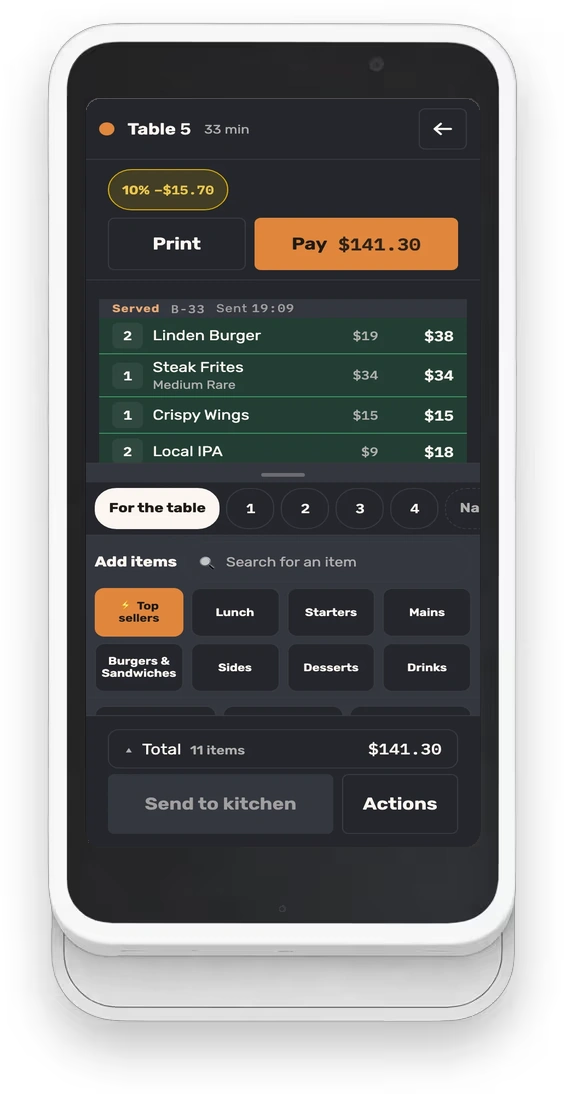
Kitchen workflow
A kitchen display workflow for dine-in and pickup orders
A kitchen display becomes useful when the team agrees on what each action means. Build the workflow around who prepares, who checks, and who hands over the order, then rehearse those transitions together.
Map one order from the register to the pass
Choose an order with work for more than one person: a sandwich from the hot station, a salad from the cold station, and a drink from the bar. Write down who receives each part, who checks the complete order, and who takes it to the table or pickup shelf. Those responsibilities are the starting point for your screen setup.
A preparation station is a place where some part of the order is made or assembled. Give stations names the team already uses. Check the station assigned to every dish in the rehearsal, including drinks and sides; a correct item name does not guarantee a correct destination.
Teach the team how this queue behaves
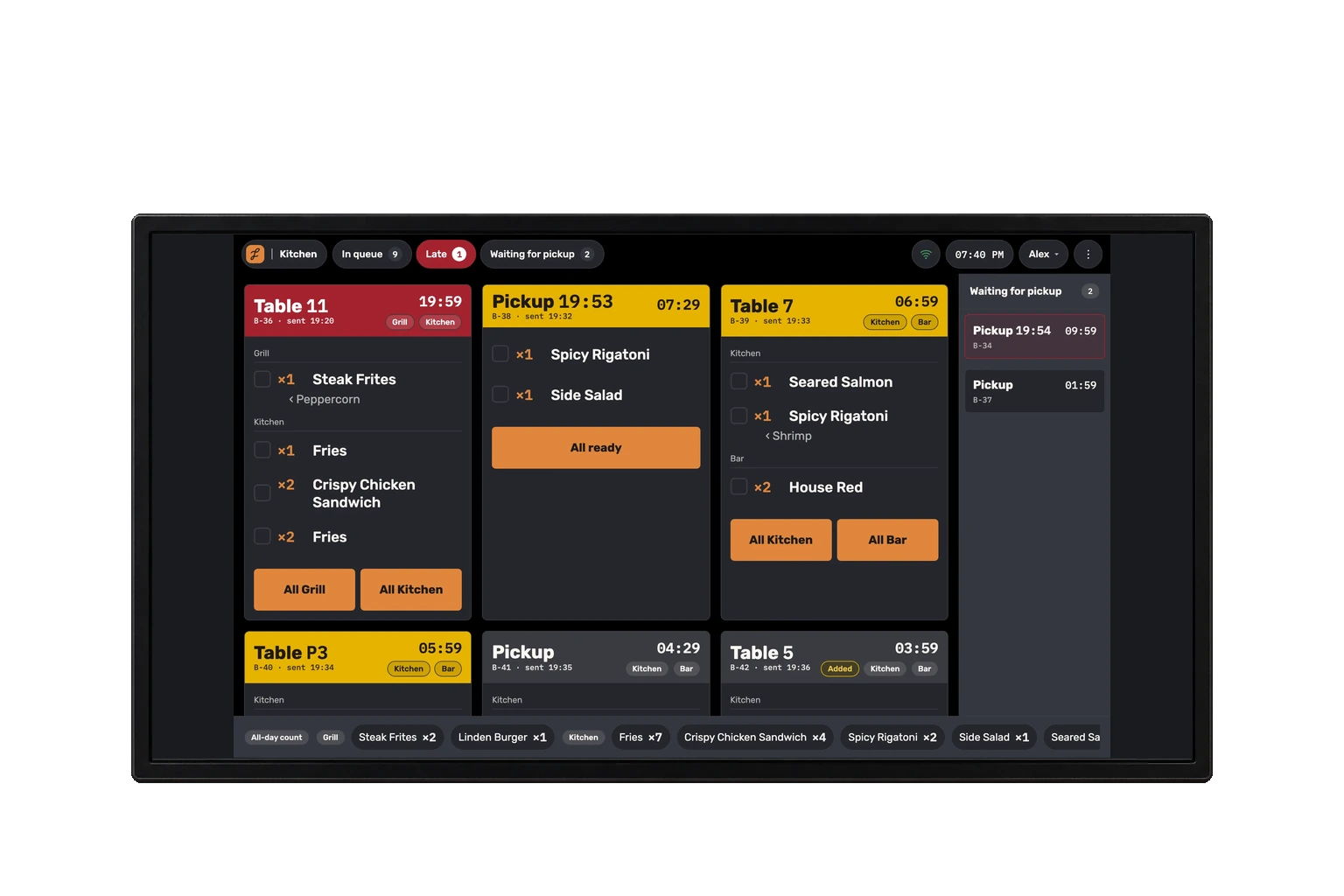
Jooule shows one shared kitchen queue, with each ticket divided into station sections. Each station can mark its own work ready. The screen is not filtered to show only one station, so staff should practice finding their section while still seeing the rest of the order.
Changed dishes that need acknowledgment rise ahead of late tickets. Late work is prioritized using the preparation settings of the stations on the ticket, with the slowest station determining its timing threshold. Explain this before service: a ticket moving upward can mean an unread change, not simply that it was ordered first.
Agree on what “ready” means at each handoff
For a cook, ready may mean a station’s dishes are complete. At the pass, the question is whether the whole order has been checked and can leave. Write down who performs each action so that clearing a station is not mistaken for handing food to a guest.
Jooule lets staff mark a dish ready or complete a station. Station completion offers an eight-second undo; it is not a history screen for recalling any old ticket. Include a mistaken tap in the rehearsal, and decide whom staff should contact if the mistake is noticed after that window.
- Each station knows which dishes it is responsible for.
- The person at the pass checks the complete order before handoff.
- The order code or table is checked against the destination.
- Ready work and work already handed over are treated as different steps.
Rehearse dine-in and pickup together
Use a confirmed demonstration environment and have the kitchen team join the exercise. Place a dine-in order and a pickup order with overlapping dishes. This tests whether staff can keep the destination clear while preparing similar food at the same time.
For pickup, name the person who checks the packaging and the order code before the handoff. For dine-in, name the person collecting the plates. A screen can show that work is ready; your service routine still needs to make clear who moves it from the pass.
- Send the dine-in order and have each station identify its work.
- Send the pickup order and compare its destination with the first ticket.
- Complete only one station and inspect what remains outstanding.
- Change a sent dish and have the receiving cook read and acknowledge the change.
- Finish the remaining work, check the destination, and rehearse the handoff.
Make changed orders a conversation with a clear record
If a dish changes after sending, the cook needs to know which instruction is current. In Jooule, a changed dish is marked with who changed it and why, and the ticket stays prominent until the change is acknowledged. Practice reading that information before continuing work.
Agree on a short verbal escalation for a change that arrives while a dish is already being prepared. The screen provides the record, while the team resolves what happens to the work in progress. Avoid making a second order merely to get someone’s attention; that makes the intended quantity harder to establish.
Include printing and recovery in the opening check
If your kitchen uses printed tickets alongside a screen, check both outputs in the rehearsal. Confirm paper, the expected station, and the readability of modifiers. Staff should also know where the register shows printer state and who investigates a printing warning.
Jooule needs an internet connection. Orders already received by its server can wait for printing when the connection returns, retaining their original order time. Before using a resend control, compare the existing ticket and kitchen work so that a second printed copy is not treated as a second meal.
After the first service, review specific points of confusion: an unexpected station, an unread change, or an order waiting at the pass without an owner. Change one part of the routine and repeat the relevant scenario. A short, maintained process is more useful than a long procedure nobody checks.