Service and training
A first-shift POS training plan for restaurant servers
Give a new server a small table scenario to complete and explain. The goal is to know where an order stands, what the next action does, and when to bring in a more experienced teammate.
Prepare a safe place to practice
Arrange a demonstration environment with the person responsible for your POS setup. Confirm that practice orders, kitchen tickets, and payment actions are separated from live service. Do not assume a device is isolated just because it is being used for training.
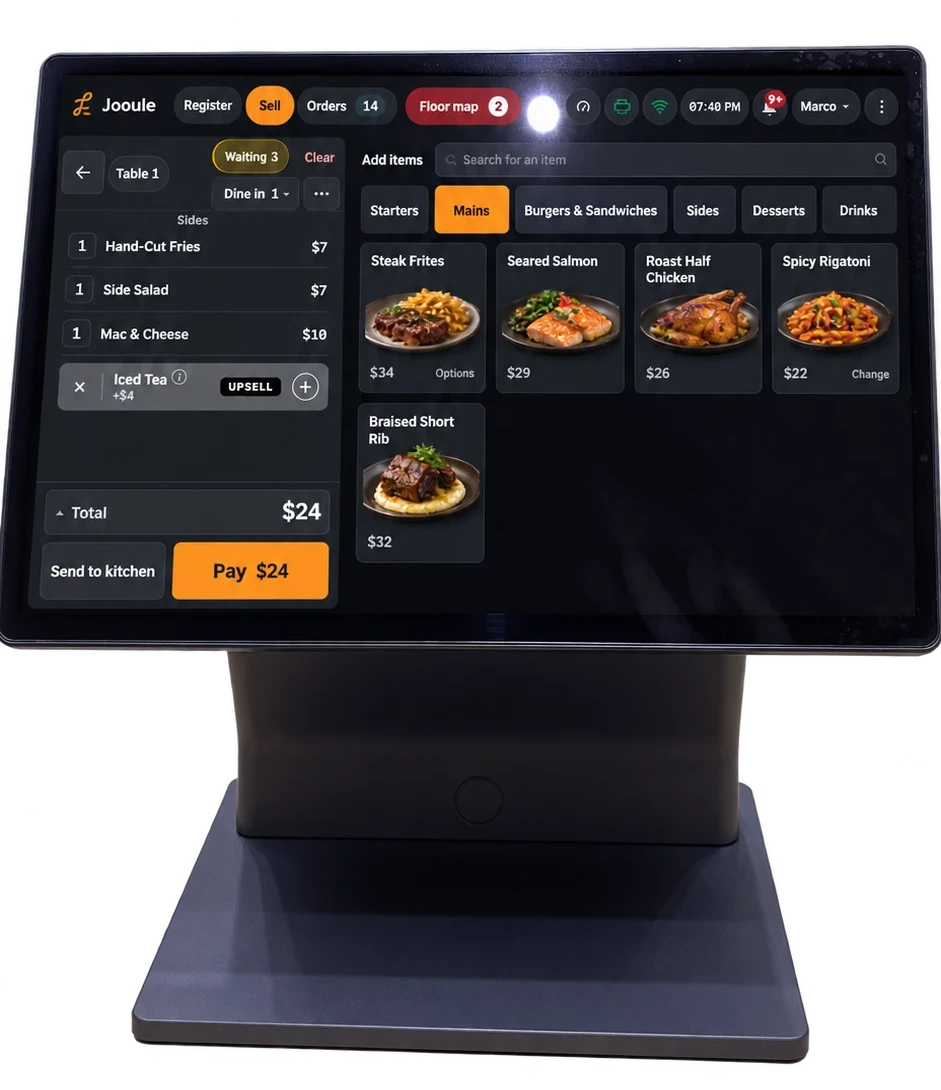
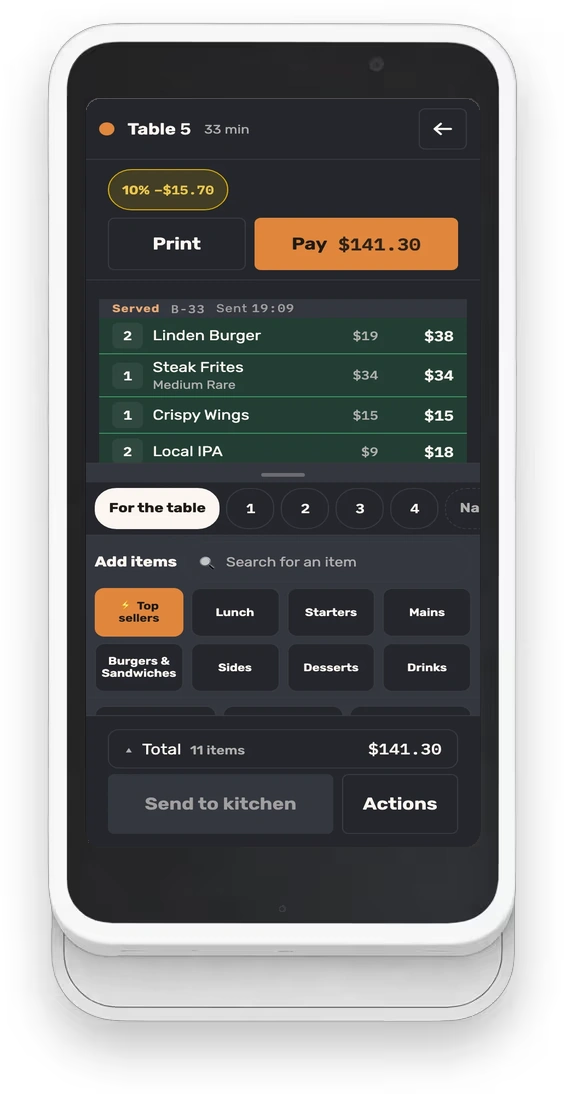
Use the same type of phone, tablet, or register that the server will use during a shift. Start by opening the correct restaurant and floor, checking the connection, and finding the person to call for help. Let the learner hold the device and perform the actions instead of watching a manager tap through them.
Teach one complete table before introducing shortcuts
Set up a three-guest scenario with drinks, two versions of one dish, and a side. Ask the learner to identify the table and choose the appropriate seats before entering items. In Jooule, selecting a seat applies subsequent items to that seat; make the active selection part of the read-back.
Have the learner review names, quantities, and modifiers aloud before sending the first round. Then ask them to locate the round after it has been sent. They should be able to explain which dishes were sent together and which additions still need action.
- Open the intended table and confirm its label.
- Select the first seat, add an item, and read back its choices.
- Enter different choices for another guest without changing the first dish.
- Review the round, send it, and verify the recorded result.
- Add a later drink as a new round and identify it separately.
Make the difference between a draft and a sent order explicit
An item visible on the server’s device is not necessarily an instruction the kitchen has received. Ask the learner to show one unsent item, one sent round, and one item the kitchen has marked ready. This simple exercise checks understanding better than asking whether the screens look familiar.
Jooule keeps an unsent table draft on the same device for up to 12 hours. That makes it possible to return to an interrupted order, but it is not a handoff to another server’s phone. Before changing devices or handing over a section, review outstanding drafts and agree who will finish them.
Practice one changed order and one request for help
Change the scenario after the first round is sent: the guest asks for a different side, or the team entered an extra dish. Let the server find the sent item and explain the intended correction before touching the controls. They should check that they are changing the correct table, dish, and quantity.
Removing a whole dish from a Jooule restaurant order records a reason, the staff member, and any required manager approval. Teach the restaurant’s actual permission boundaries. The learner should know which actions they can complete and which ones require a manager, without borrowing another person’s access.
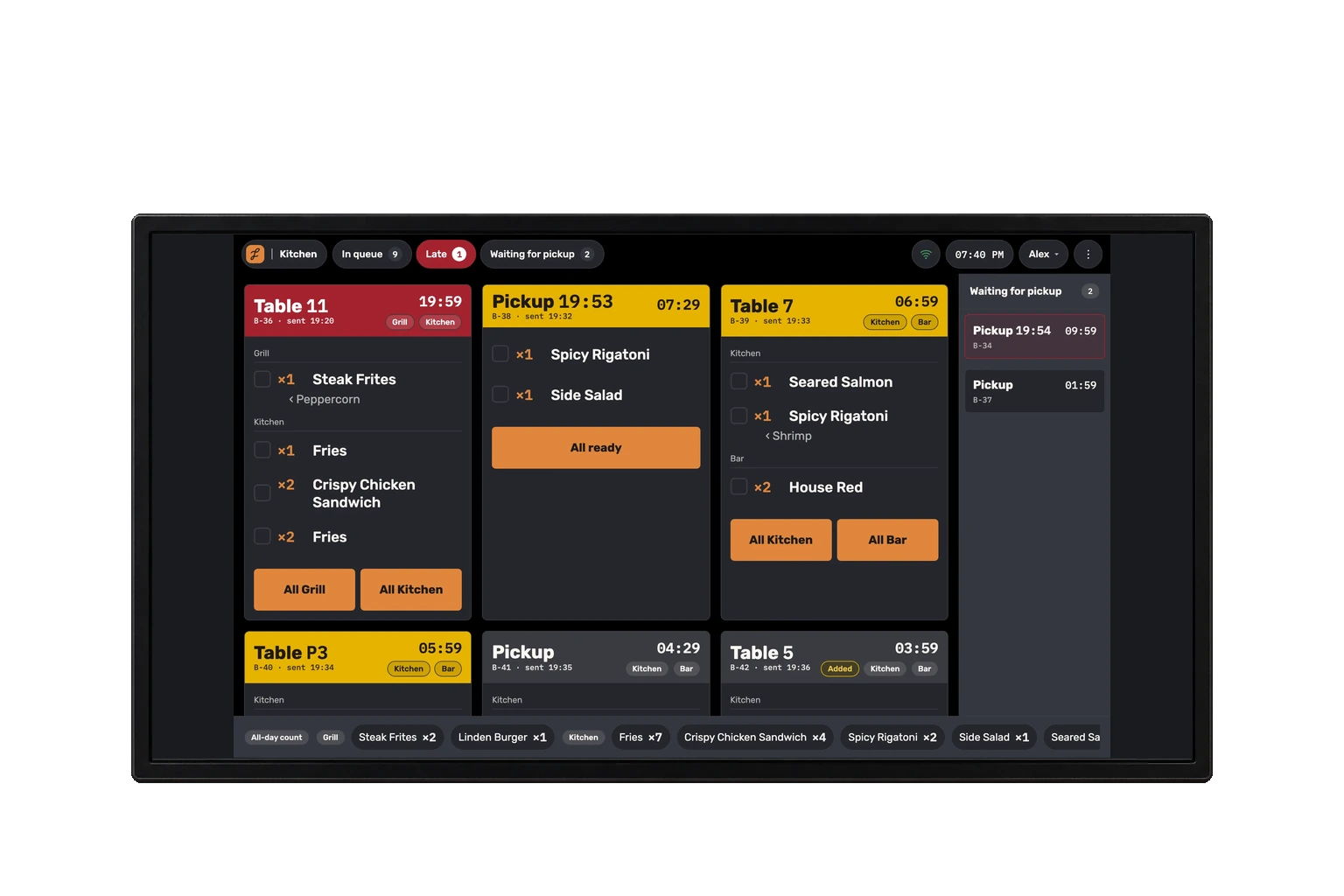
Have a kitchen teammate receive the correction during the practice session. The server should understand that recording the change and confirming that someone has acted on it are related but separate parts of service.
Walk through the check without a live charge
Use the demonstration setup to review the check by seat, inspect the remaining balance, and explain how the restaurant handles a split. Ask the learner to point to the items that belong to each guest before discussing the payment action. The objective is an accurate reading of the check, not speed.
For a US restaurant using its existing card terminal, the card transaction happens on that terminal. Staff confirm the result before Jooule records the payment. Make the distinction clear during training: seeing a card option in the POS does not establish that the terminal approved a charge.
If the result on the terminal or in the POS is unclear, the server should pause and get help before trying again. Review this as a scenario using demonstration information, without entering a real card or creating a real payment.
Finish with an observed run and a short handover
Repeat the table scenario with the trainer observing quietly. Ask the learner to narrate the important decisions rather than every tap. Where they hesitate, practice that moment again. A completed checklist records what was demonstrated; it should not stand in for the trainer’s judgment about readiness.
For the first live shift, give the server a named teammate for questions and agree when to check in. At the end, collect the situations that were difficult to find or explain. Use those examples in the next short practice session so training stays connected to the restaurant’s real service.
- Finds the correct table and seat before entering an order.
- Explains required choices and checks the completed round.
- Distinguishes an unsent draft from a sent or ready item.
- Makes a correction with the correct reason and permission.
- Explains the terminal confirmation step and knows when to stop and ask.
- Can name the teammate responsible for help during the shift.